RDAF Platform RESTful API Guide
1. Enhanced RESTful API Support in the RDAF Platform
The Fabrix.ai RDAF Platform provides a powerful, standards-compliant RESTful API designed to support seamless integration, intelligent automation, and enterprise-grade scalability. Built on the OpenAPI specification, the API offers a streamlined developer experience with comprehensive documentation, interactive tools, and robust validation support.
Key Highlights
Standards-Based Architecture: Fully aligned with OpenAPI 3.1, ensuring broad compatibility across modern development tools and platforms.
Structured & Interactive Documentation: API definitions are machine-readable and easily renderable into interactive API docs or SDKs, accelerating development and integration.
Extensive Endpoint Coverage: Access all core platform functionalities via clearly defined RESTful endpoints using standard HTTP methods: GET, POST, PUT, and DELETE.
Rich Schema Definitions: Includes reusable components and well-structured request/response schemas, along with built-in validation rules for consistency and reliability.
Flexible Authentication Support: Leverages industry-standard authentication methods including OAuth 2.0, API keys, and Bearer tokens for secure access control.
Developer-Centric Tooling: Easily integrate and test with popular tools such as Swagger UI, Postman, and OpenAPI Generator, enabling faster onboarding and productivity.
Whether you're developing internal utilities, customer-facing applications, or automation pipelines, the Fabrix.ai RDAF REST API delivers a developer-first experience that is reliable, scalable, and easy to work with.
Authentication is flexible, offering users the following methods:
-
User Credentials: Authenticate using your username and password.
-
API Key: Authenticate by including an API Key in the HTTP Authentication header alongside a Bearer access token.
Follow the steps outlined below to authenticate and securely access the APIs using your preferred method.
1.1 New User Authentication
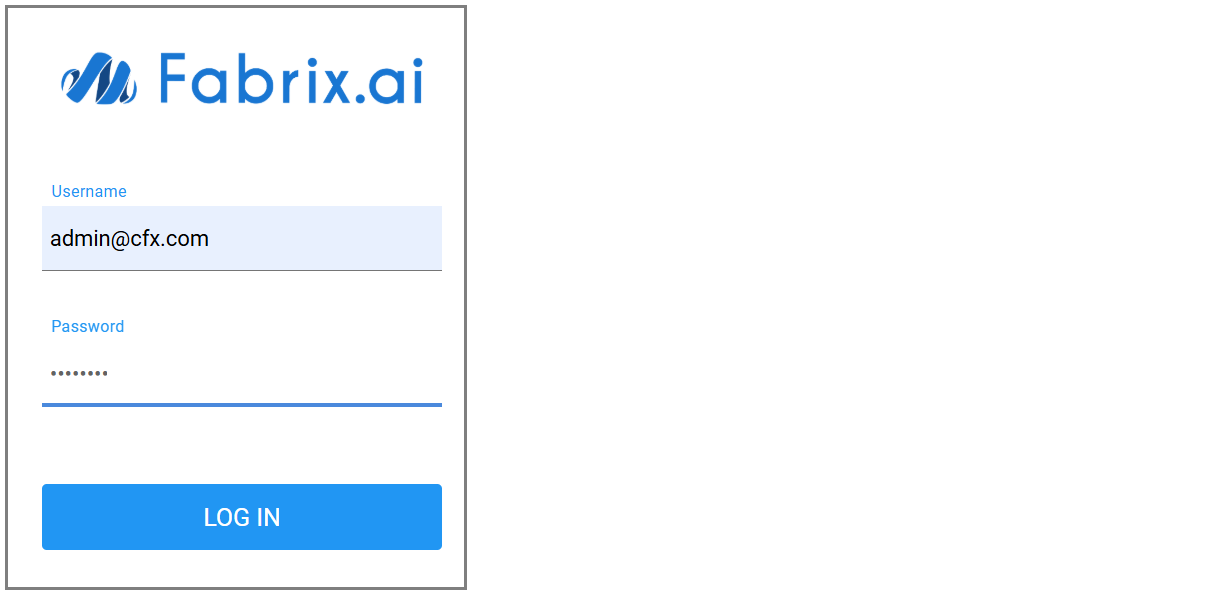
Login into RDAF UI portal
Note
For more information on User Onboarding (various roles) please refer the following User Onboarding Document
1.2 API Authentication
RDAF supports authentication and authorization using either API tokens or user credentials (username & password).
-
RDAF User Authentication
Users can authenticate using the Authentication RESTful API:
Method: POST
Endpoint: /api/v2/login
1.3 Accessing RESTful API Documentation
Users can access the RESTful API documentation through Two Distinct Methods
1) Swagger Documentation
Access the live Swagger documentation for any RDAF setup running the latest build at the following
-
URL:
https://{rdaf_portal_ip}/swagger/docs. (Replace{rdaf_portal_ip}with the actual IP address or hostname of your RDAF portal) -
For offline documentation please click here
2) Postman Documentation
-
Postman documentation consists of README.md (markdown) files for the RESTful APIs.
-
Use the Postman collection available here to explore and interact with the CloudFabrix REST APIs.
-
Explore a variety of REST API usage examples through the cookbooks available at: CloudFabrix API Postman Cookbooks